
Menu management that stays in sync
Synchronized Multilingual Menus
Restaurants don’t struggle with translation — they struggle to keep every version readable, accurate, and up to date.

Role
Solo Founder & Design Engineer
Focus
Edit-once workflows for hospitality teams
Timeline
November 2025
The Challenge
The Challenge
Most venues end up managing the same menu in too many places: PDFs, images, Google Docs, printed sheets, and translated copies. When something changes — price, availability, seasonal items — updates become manual, fragmented, and easy to miss.
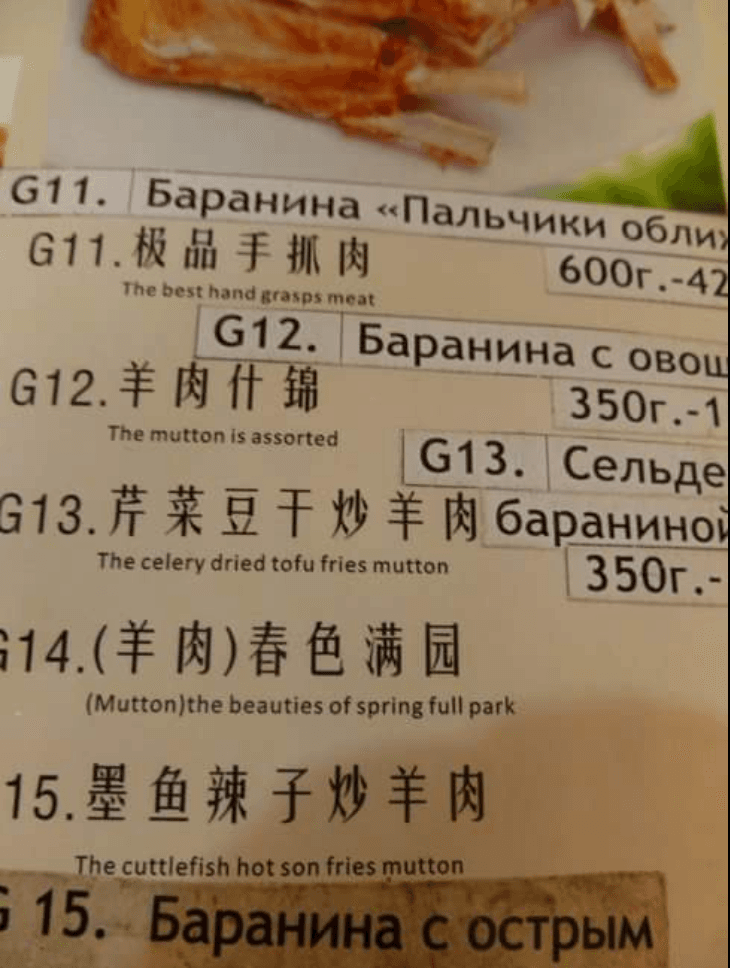
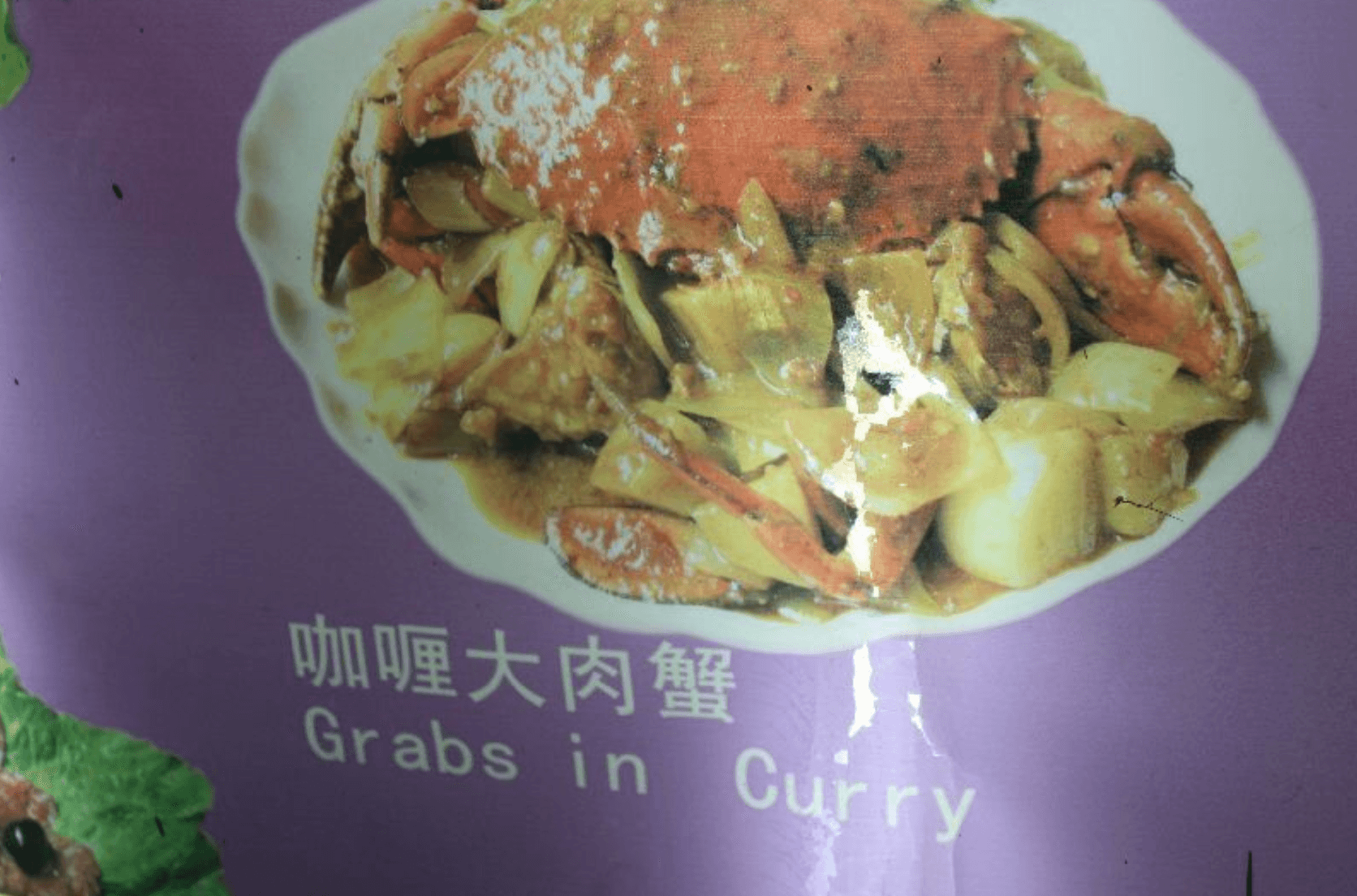
Copy-paste maintenance
A small change ripples across PDFs, images, and docs — so updates get delayed or missed.
Sticker fixes on printed menus
Prices get patched with stickers or tape — slow, inconsistent, and not premium.
Design debt in translations
Translated versions drift and lose polish, which chips away at trust.
Key Insight
Owners don’t want “a translation tool”. They want one system where a single edit updates every language and output — QR and print — without the sticker-and-PDF chaos.
Research
Research
I spoke with restaurant and bar owners and mapped the full menu workflow: create → update → translate → publish (QR + print). The consistent theme wasn’t “make it prettier” — it was “make it easy to keep correct”.
Confirmed
Printed menus still widely used, QR is supplementary
Discovered
Good templates preffered over custom design
Key Insight
Branding isn’t the priority. Owners want low-effort templates they can add a logo + colours to — then focus only on content and prices in their base language while every other language and format stays handled automatically.
Design System
Design System
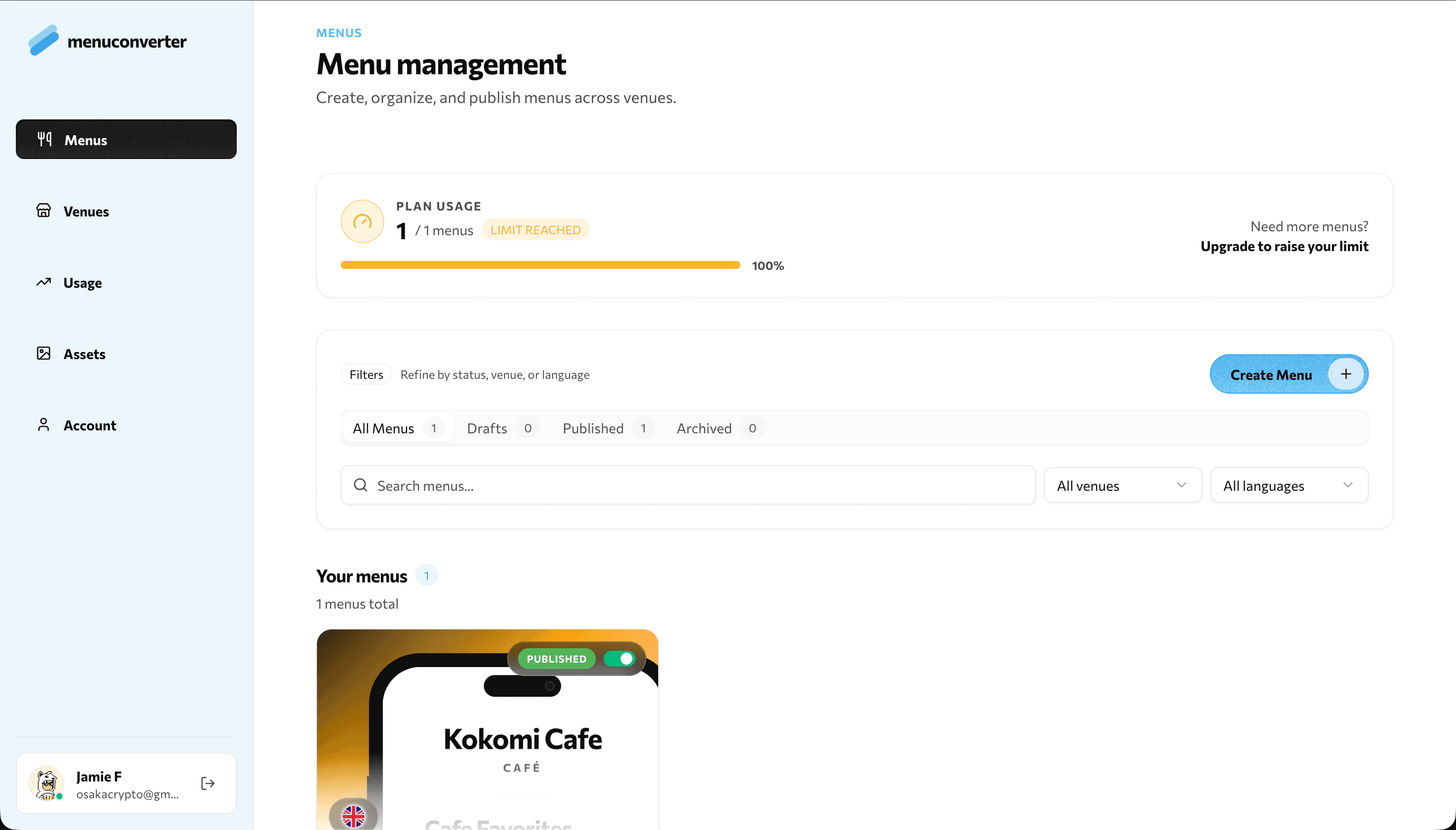
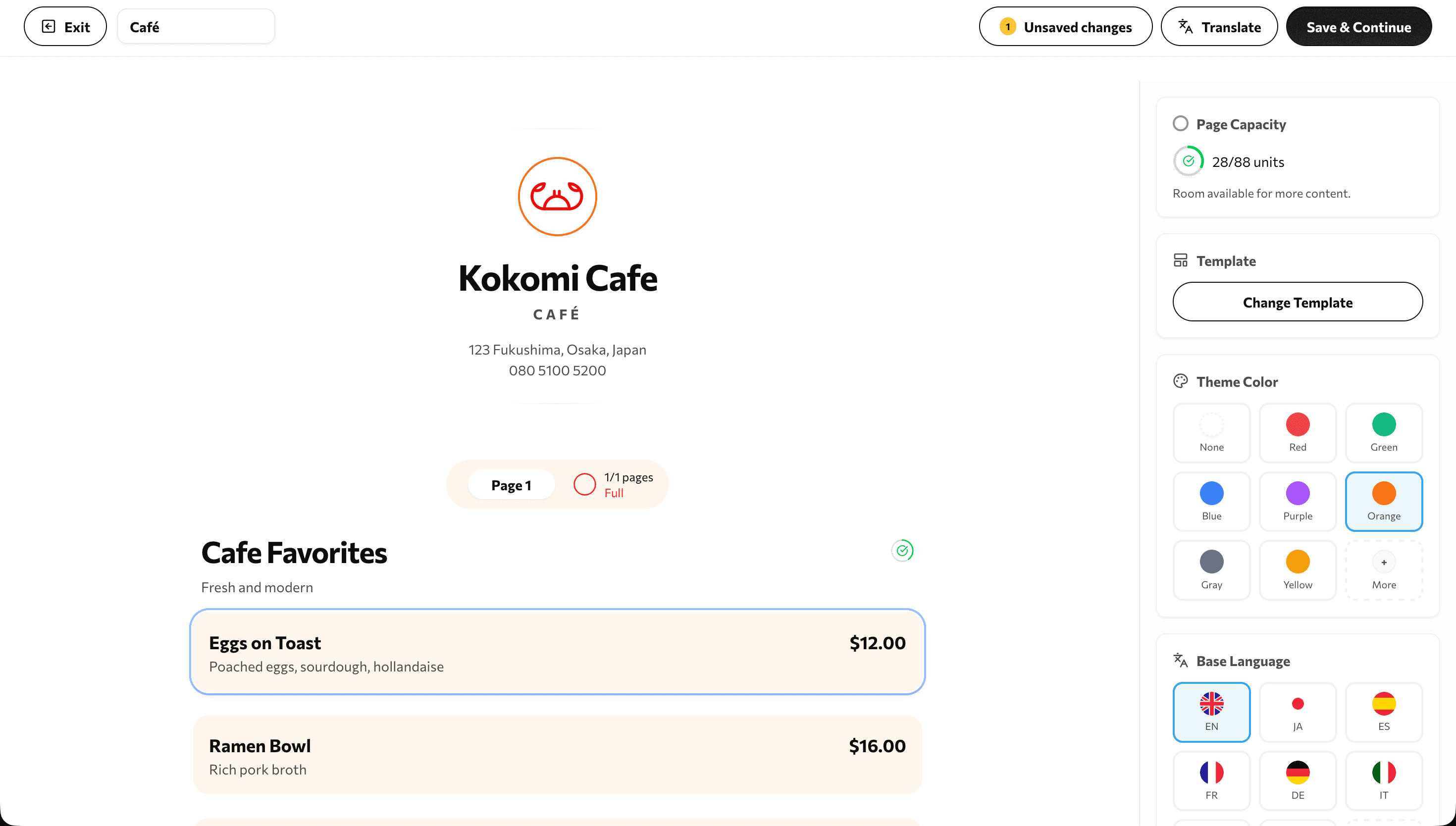
To support that reality, the system needed predictable templates that stay readable across languages and devices — with “just enough” branding (logo + colour) and zero layout fuss.
Template-first output
Polished layouts that don’t require design skill — pick a template, add a logo, set a colour.
Language-safe readability
Typography and spacing rules that hold up when text length changes or scripts switch.
Fast updates, minimal UI
Editing is built for quick price/availability changes — no “design tool” complexity.
Key Insight
The goal wasn’t maximum customization — it was predictable, readable templates that make updates feel safe.
The Solution
The Solution
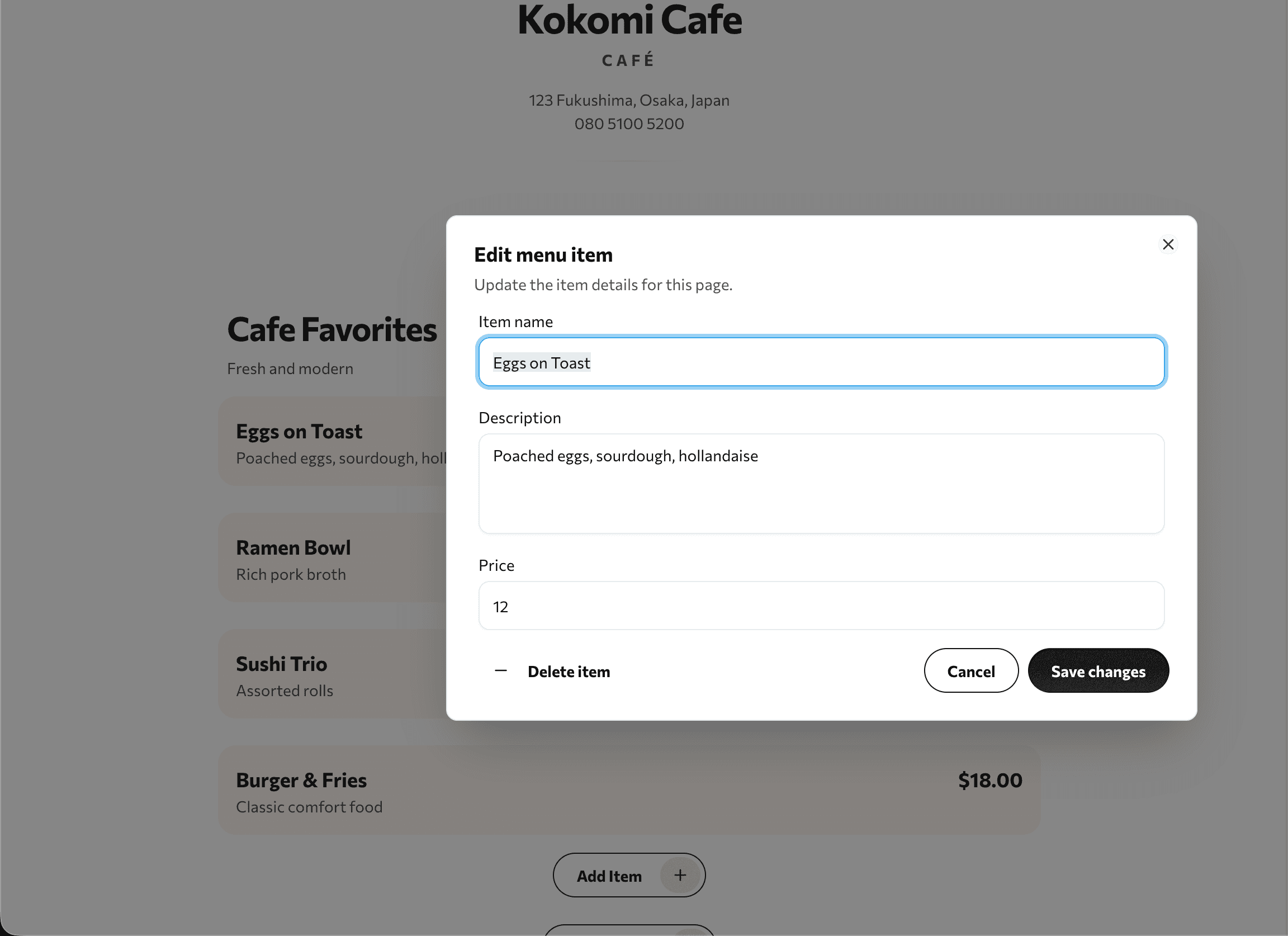
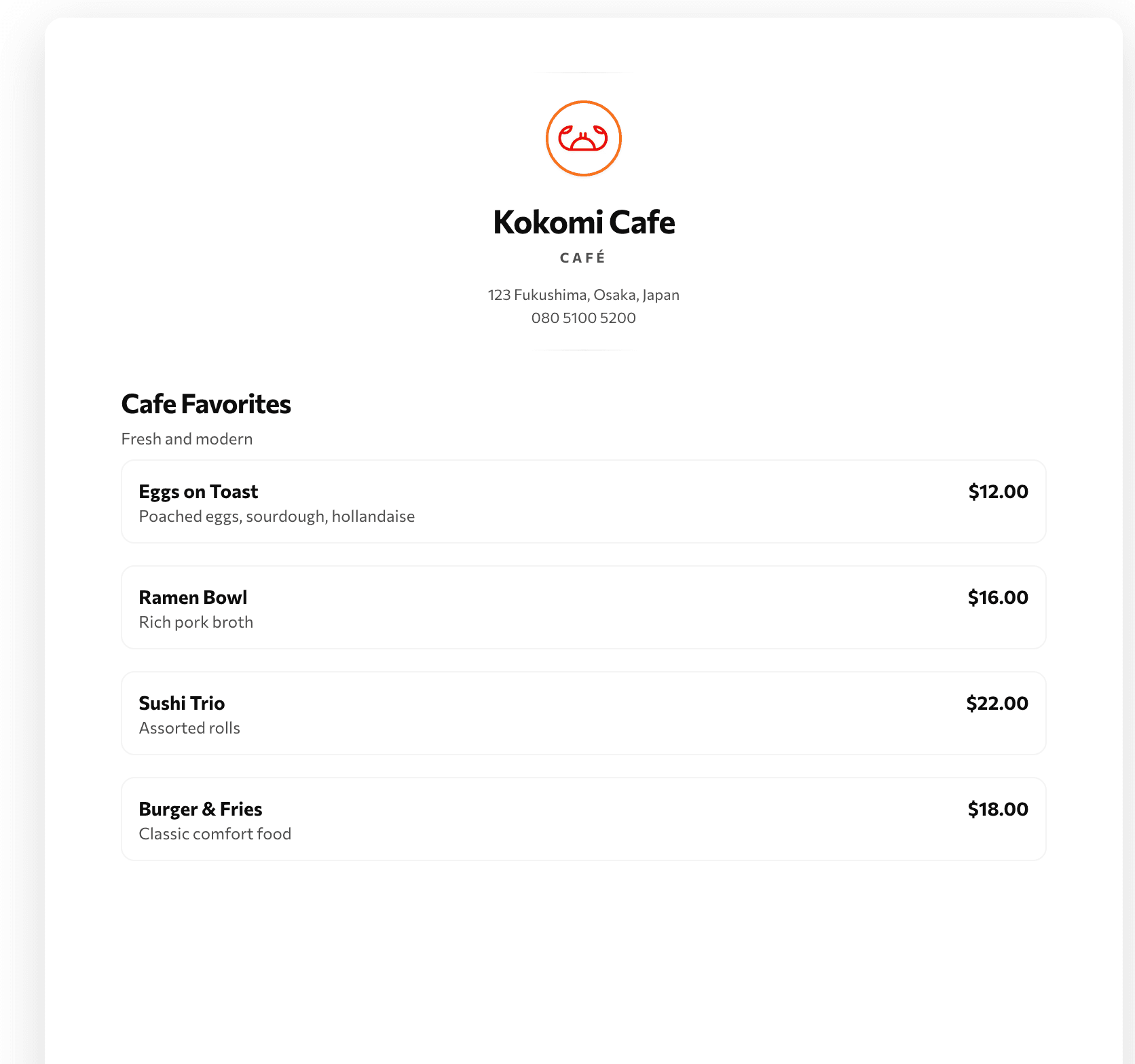
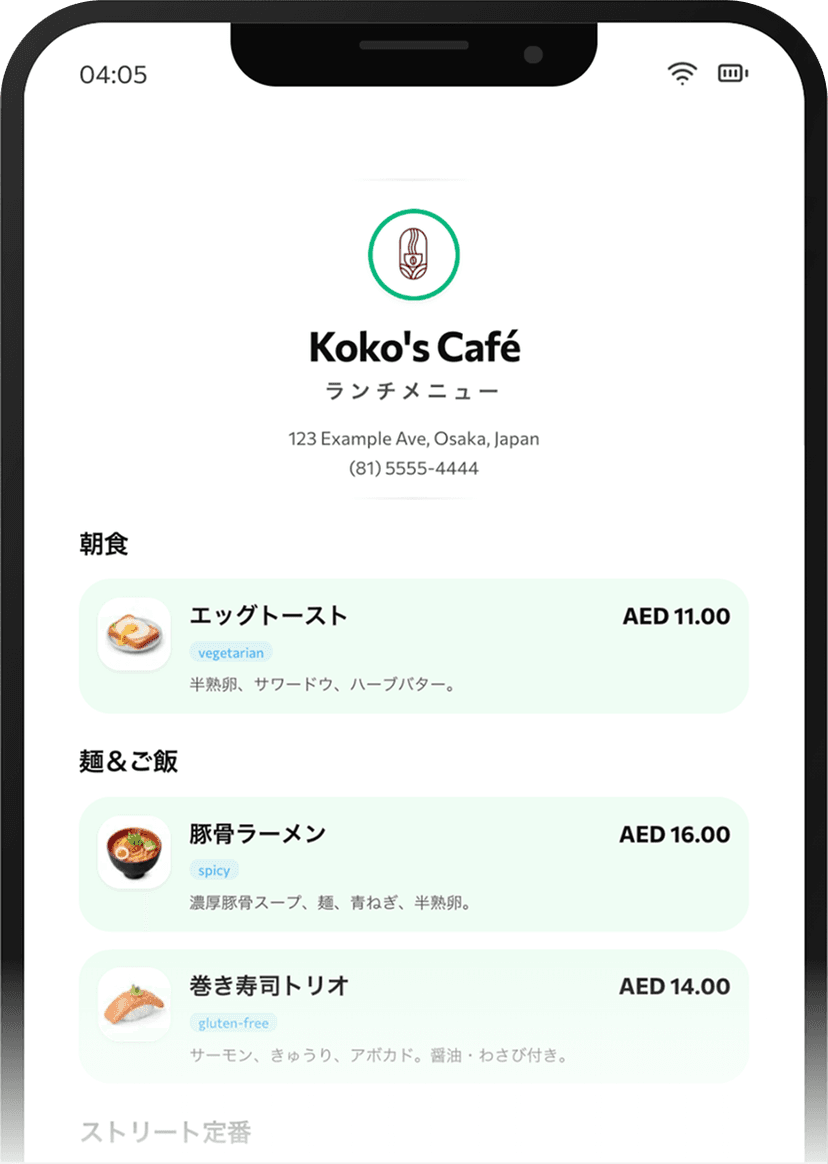
MenuConverter turns a menu into structured content. Owners update one source in their base language, and the system keeps translations and outputs in sync — QR and print included.
- 1
One menu becomes the source of truth.
- 2
Edit items and prices in the base language.
- 3
Translations stay linked to the same menu (no drifting copies).
- 4
Templates keep layout consistent across languages.
- 5
Publish instantly via QR for live updates.
- 6
Export print-ready menus when needed.
Key Insight
The unlock isn’t translating faster — it’s removing the “multiple versions” problem entirely.
Product in Action
Product in Action
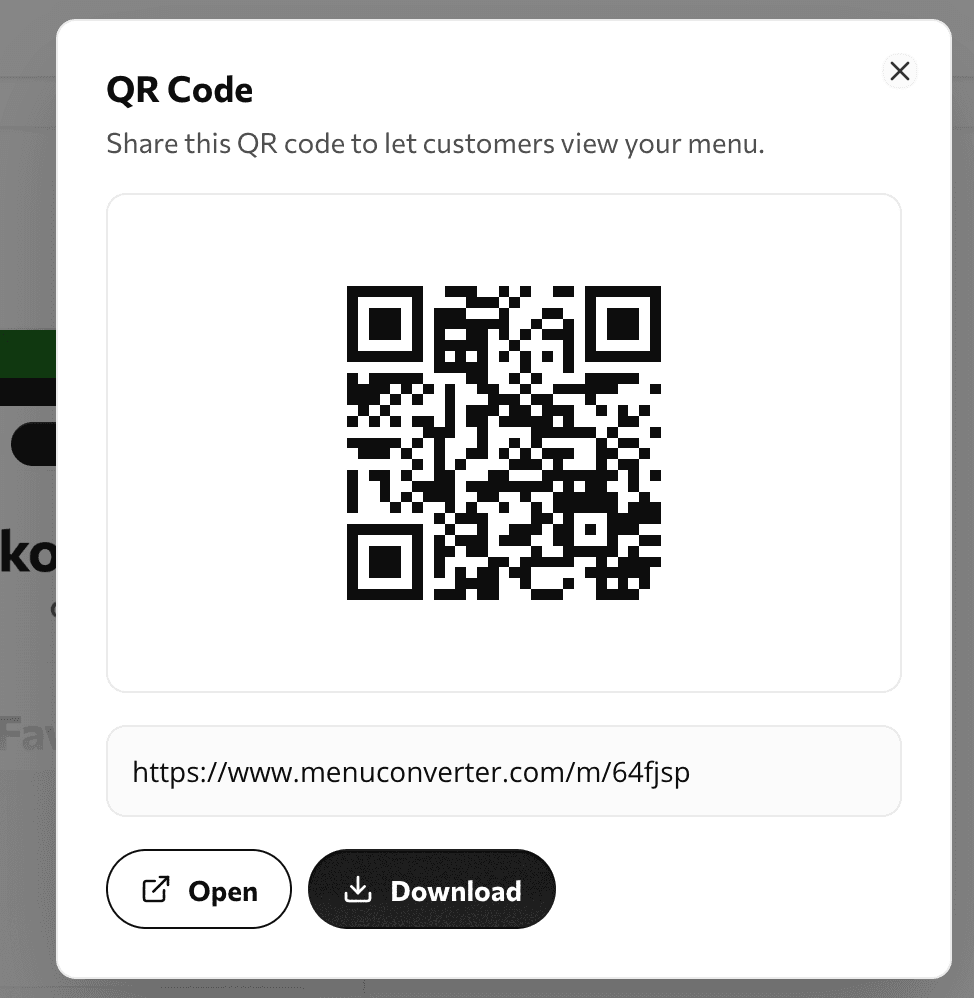
Designed for real hospitality constraints: staff can update items, prices, or availability quickly — and guests see changes instantly when they scan the QR code.
Key Insight
A menu should behave like a living document — not a static asset you’re afraid to touch.
The Impact
The Impact
The result is a calmer workflow for teams and a clearer guest experience. Updates are quick, translations stay aligned, and the menu looks consistent across languages and formats.
Updates take minutes
Change prices or availability once — without hunting for the “right file”.
Translations stay in sync
Every language version stays tied to the same menu, reducing outdated items and mismatches.
Cleaner print workflows
Less sticker patching and fewer messy workarounds — especially important for premium venues.
Key Insight
When keeping the menu correct becomes easy, accuracy becomes the default.